Коротко о моде
Главное перед установкой
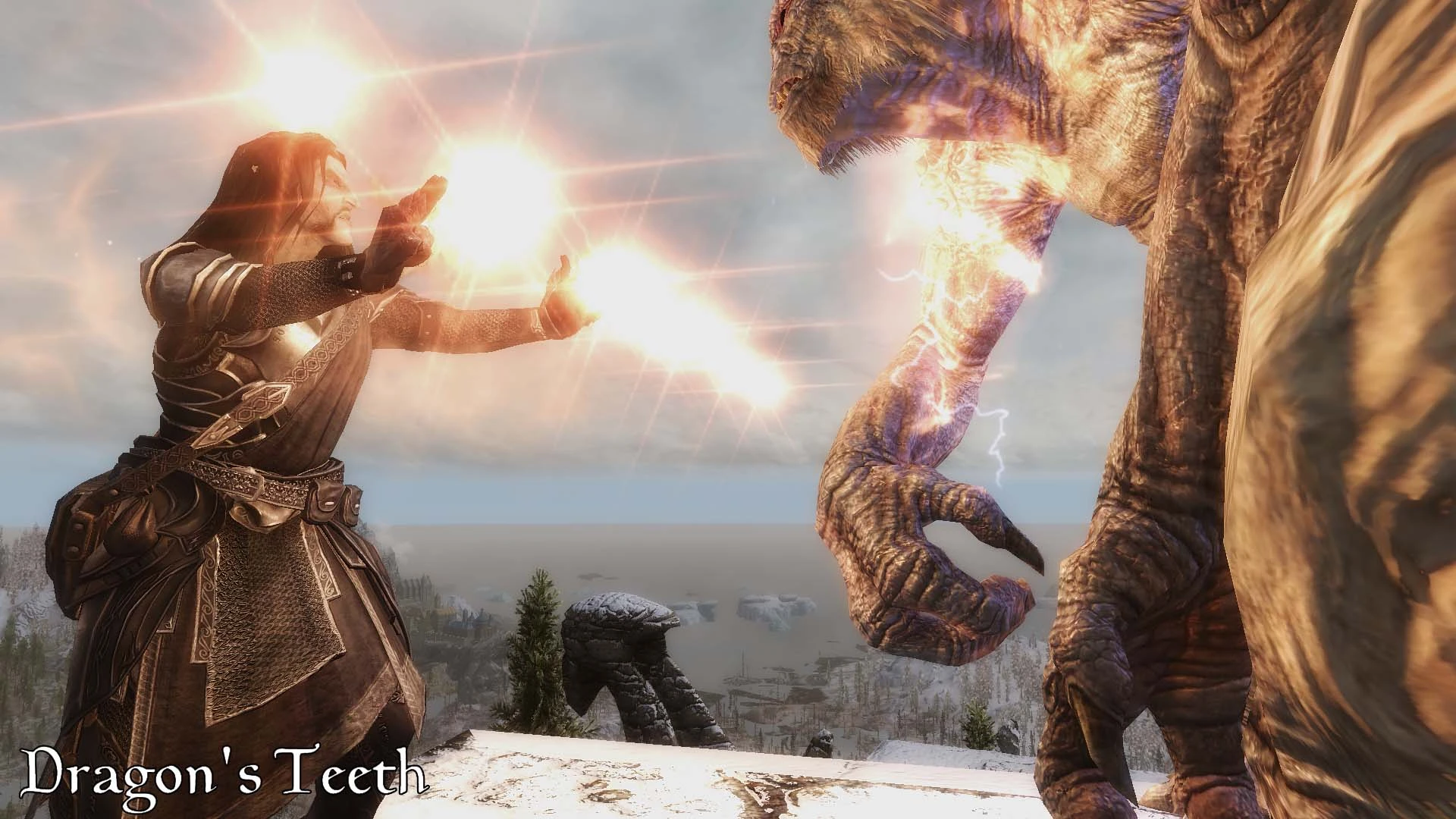
Мод предназначен для визуального улучшения Skyrim SE, предоставляя максимально реалистичную картинку, имитирующую работу камеры и кинооператорские эффекты.
Подойдёт
Мод рассчитан на пользователей, желающих добиться фотореалистичной графики и имеющих базовое понимание технических настроек ENB.
Нужно
Необходимо удалить все несовместимые ENB или ReShade, удалить папку кеша ENB, отключить в игре SSAO и сглаживание, а также установить SKSE64 для полной работы.
Совместимость
Совместим с NAT.ENB III weathers и модами внутреннего освещения, поддерживает патчи для других погодных модов и ENB, требует отсутствие конфликтов с SKSE-плагинами, которые могут нарушить работу ENB Helper.
Как установитьПоказатьСкрыть
Последовательность: удалить несовместимые моды; скачать и установить NAT.ENB 3.0; установить ENB Helper SE, EVLAS; скачать и поместить только два dll ENB в корень игры; установить PRT XII по инструкции; запускать игру только через SKSE64. Для патчей совместимости сначала поставить ENB, затем заменить папку enbseries папкой патча.
Совместимость и конфликты
Только связи, которые автор прямо указал в описании.
These SKSE plugins break ENB HELPER weather separation causing visual issues (very bright and bloomy visuals).
Что делать: Avoid using PrivateProfileRedirector SE and MiniMap with this ENB or be aware they can cause ENB HELPER weather separation issues.
Основание из описания
«"BE AWARE that some SKSE plugins such as PrivateProfileRedirector SE and MiniMap are breaking ENB HELPER weather separation."»
SKSE parallax plugin
If using ENB Parallax enabled by this mod, SKSE parallax plugin must be uninstalled to avoid bugs.
Что делать: Uninstall the SKSE parallax plugin if you enable ENB Parallax by setting EnableTerrainParallax=true in enbseries.ini.
Основание из описания
«"If you do use ENB Parallax, then you have to uninstall the SKSE parallax plugin, otherwise you will get bugs."»
PRT is an ENB for NAT.ENB III weathers and requires NAT.ENB to be downloaded, installed and enabled at the very last position of your modlist letting it win any conflict.
Что делать: Download, Install and enable NAT.ENB - ESP PLUGIN v3.0 at the very last position of your modlist, let it win any conflict.
Основание из описания
«"PRT XII INSTALLATION... Download, Install and enable at the very last position of your modlist the NAT.ENB - ESP PLUGIN v3.0, let it win any conflict." and "PhotoRealistic Tamriel (PRT) is an ENB for NAT.ENB III weathers"»
ENB Helper SE is required to ensure proper ENB weather separation and functionality.
Что делать: Download & Install ENB Helper SE mod.
Основание из описания
«"Download & Install ENB Helper SE (requires SKSE64) as well as EVLAS" and "If the 'ENB Helper plugin Started' is not toggled then it means you aren't using SKSE or didn't install the Helper."»
EVLAS is required alongside ENB Helper SE for correct ENB behavior.
Что делать: Download & Install EVLAS mod.
Основание из описания
«"Download & Install ENB Helper SE (requires SKSE64) as well as EVLAS" and "Either the Helper is not working, either you didn't installed EVLAS, either you didn't deleted the ENB Cache folder."»
PRT Compatibility Patch for other weather mods or ENBs
Optional compatibility patch available to apply this ENB's effects on other ENB presets/weather mods.
Что делать: Install any ENB you like for any weather mod, then paste & overwrite the enbseries folder from Compatibility Patch into Skyrim SE main folder.
Основание из описания
«"COMPATIBILITY PATCH INSTALLATION... This is an addon based on the LITE Camera Toolbox you can download and install to patch another ENB than PRTX" and installation instructions for the patch.»
SKSE64
SKSE64 is required for ENB Helper SE, which is required for the mod's functionality.
Что делать: Ensure SKSE64 is installed and launch the game only from the SKSE64 launcher.
Основание из описания
«"Download & Install ENB Helper SE (requires SKSE64)" and "Now launch the game ONLY from the SKSE64 launcher, else ENB weathers won't be working."»
Отсутствие записи не гарантирует полную совместимость. Перед установкой создайте резервную копию сохранений.
Полное описаниеСвернутьРазвернуть
Описание переведено автоматически. Перед установкой обязательно проверьте требования, совместимость и инструкции на оригинальной странице Nexus Mods.